Showing posts with label Cameron. Show all posts

Thursday, April 9, 2009

Groovin' in the 60's

One of my clients - an older woman - called this morning and wanted to know if she could come and see me at noon. Despite my reservations, I agreed. Noon came and went - and I finally ran out to Micky-D's to pick up something to eat and still no client.

She finally calls and says "I'm sorry I didn't come in, but I've been sick, and I got sick again, and I mislaid some of my papers. If I come in early tomorrow, can you still Git-R-Done?"

What am I? Larry the Cable guy?

How ever, I have a nice, great, big Iced Vanilla McCoffee - something they never thought of, back in the 1960's, along with cultural icons like Larry the Cable Guy. But there were certainly some icons we associate with the 60's era...

These tags use the scraps from the Groovylicious taggers kit by Krissy's Scraps. The poser is part of the Hippy 2 set by Lacy Clagg. I like this one better than Hippy 1, she's quite sweet. LOL!
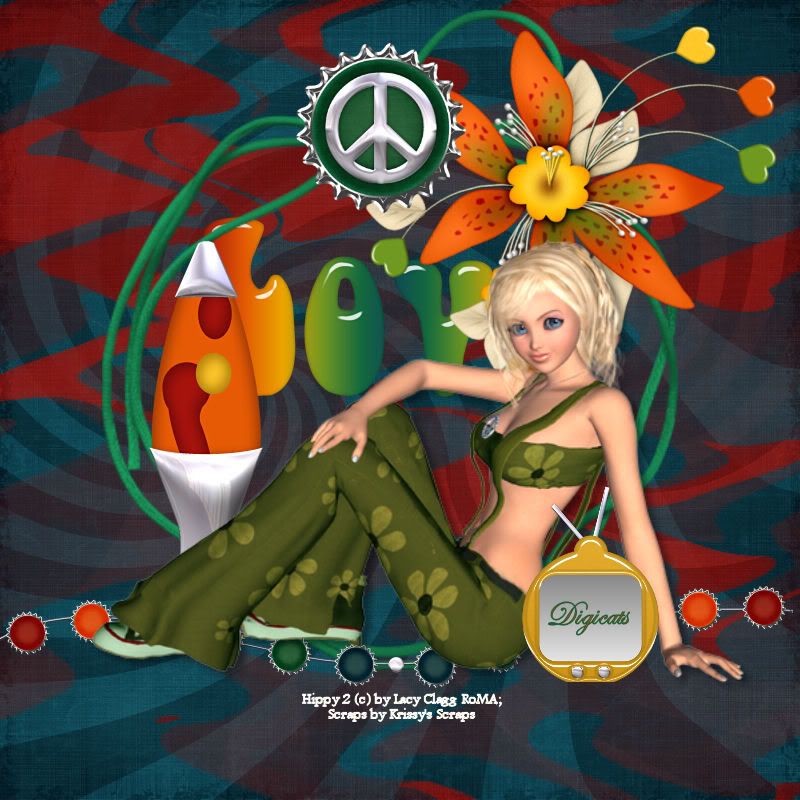
Groovylicious


I've been trying to guess what this week's theme is going to be, but...Krissy put out vehicle templates, Sox did a whole 3-D collection of swamp dwellers, and Creative Intentions, Created by Jill and Scraps by Jessica all put out animal related CU products. So...I'm clueless!

The Lava lamp and the little TV were templates released before the "Groovylicious" kits came out, and like I said, I should have guessed. I guess I was hoping for better hints this week? We shall just have to wait and see what Saturday brings us.
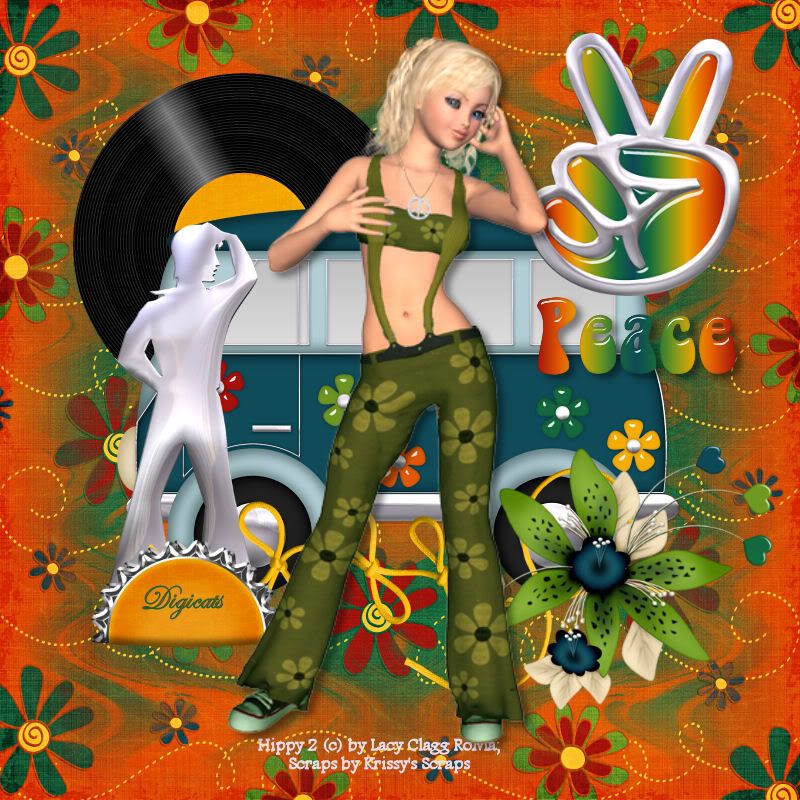
Groovylicious


Records -- a collectors item now -- and mini vans -- now replaced by SUVs. And of course the peace symbol, which is still around, but which is also now known as the "V Sign" or Victory sign.
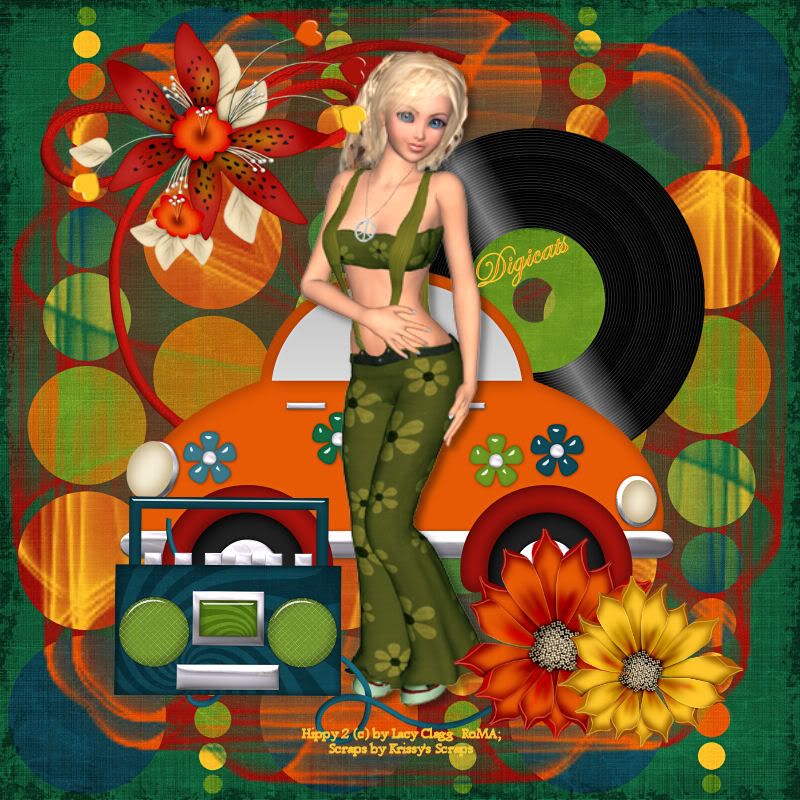
Groovylicious


I used several of Cameron's masks on the backgrounds to groovy them up even more. Not that they needed it. And VW Bugs, well...I saw one coming down the street the other day and said "What the heck is that?" My how times change!

When did 8 track tapes start making the rounds? I remember them starting to phase out while I was still in high school, so that was the 70's. That doesn't really look like an old 8 track player though.
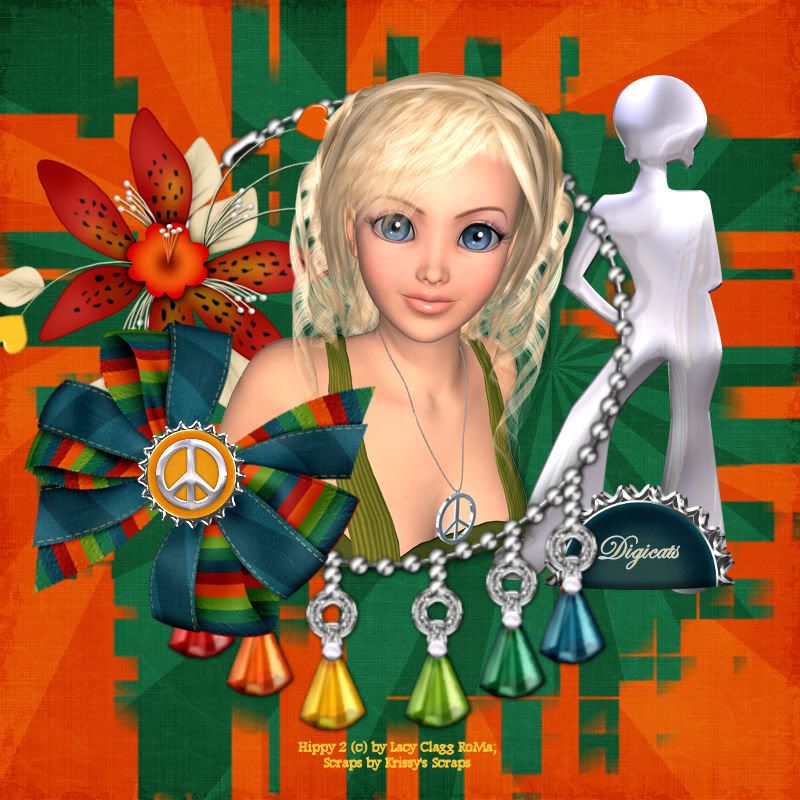
Groovylicious


I really liked that bracelet and was really sorry it pixelated out as much as it did then I enlarged it. I nearly went and grabbed the full size kit so I could have a bigger version of it, but that seemed silly. Oh yeah...and the big flared bell bottomed jeans and the Paige hair cuts! LOL!
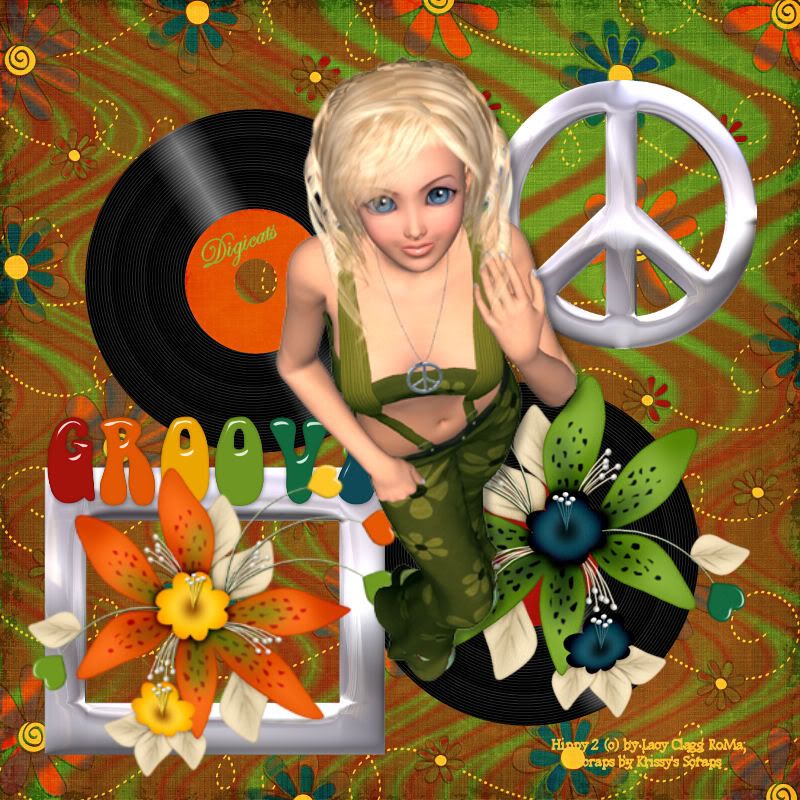
Groovylicious


I like the point of view on this. It was a bit of challenge to get the elements to work with the poser. But I thought this turned out rather well.

I think there's a couple more tubes in that pack. Jay released a "Swinging 60's (um, the big band era swung, hun, not the 60's) so I might see what I can do with those and her kit. I really need to do some tutes, I just haven't felt much like writing. Too much stress in my life right now.

Saturday, January 31, 2009

Blood Moon Tutorial

Blood Moon


This tutorial was written by Dianna of Digicats. Any resemblance to any other tutorial living, dead or undead, published or unpublished is purely coincidental.

This tutorial assumes you have a working knowledge of PSP. It was written using PSP X1, but should work with most versions of PSP.

Materials Need:
Cameron's Ocean Mask #2, which is available HERE.
WSL Mask #222, which is available HERE.
The new Blood Moon kit from Scraps by J0e's Wife, which is for sale at Digital Chaos.
Tube of choice. I am using the awesome artwork of Joseph Corsentino, PSP# 11065 Ashlin Titanium.
You need a license to use this artwork, it can be purchased at MyPSPTubes.

Tutorial:
Open a new raster layer, 800 x 800 pixels, flood fill white.

Open Paper 30, resize 65% add to image.

Open Paper 1, resize 65%, add to image.

Layers-->Load/Save Mask-->Load Mask from Disk. Find Cameron's Ocean #2, make sure the "fit to layer" box is checked and apply.

Layers-->Merge-->Merge group.

Layers-->Merge-->Merge down.

Layers-->Load/Save Mask-->Load Mask from Disk. Find WSL#222, make sure "fit to layer" is checked and apply.

Layers-->Merge-->Merge group.

Open Blood Moon Element and resize 50%. Add as a new layer, centered at 600H by 200V.

Open Eyelete ribbon Heart frame 3, resize 65% and add as a new layer. Center.

Open tube and extract the transparent layer, and add to image. Center. Expand tube to 300 pixels.

Swap with Frame layer and with the tube layer activated, erase over the portions of the frame that cover the bottom of tube

Swap layers back so frame is underneath tube. With the tube layer activated, clean up any erasing that needs to be done.

Open pentacle and half moon charm 1. Mirror image and add to tag. Center at 280H, 500V. Erase the clasp and ring, leaving only the charm part.

Add copyright info and license number.

Add text as desired. I am using the Omnibus Multiserif system script, bolded, with the transparency set to 75%.

Save artists copy as a .pspimage file. Drop the white background if desired. Go to Layers-->Merge-->Merge visible and save as a .png (or .jpg if you're keeping the white layer) file.

Please feel free to drop me an e-mail if you have any questions or need help with the tutorial.

Time of the Faeries